Additional Action Fields
Discount Breakdown Type
The extension allows you to choose the breakdown type for every rule –
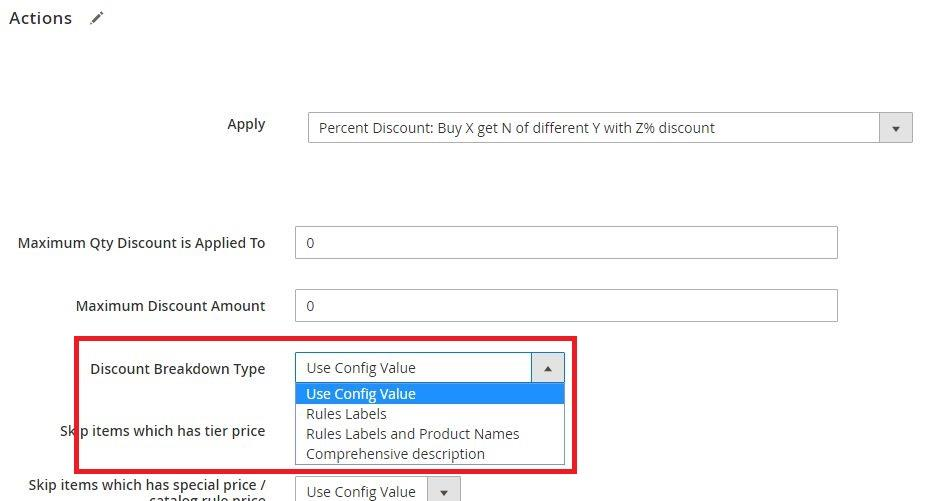
For Magento core rules, you can choose between “Rule Labels” and “Rule Labels and Product Names”.
For the Free Gift rules, you can choose between “Rule Labels”, “Rule Labels and Product Names” and “Comprehensive Description”.
You can also choose to inherit the configuration from Stores --> Configuration (see Stores Configuration).
Explanation of breakdown types:
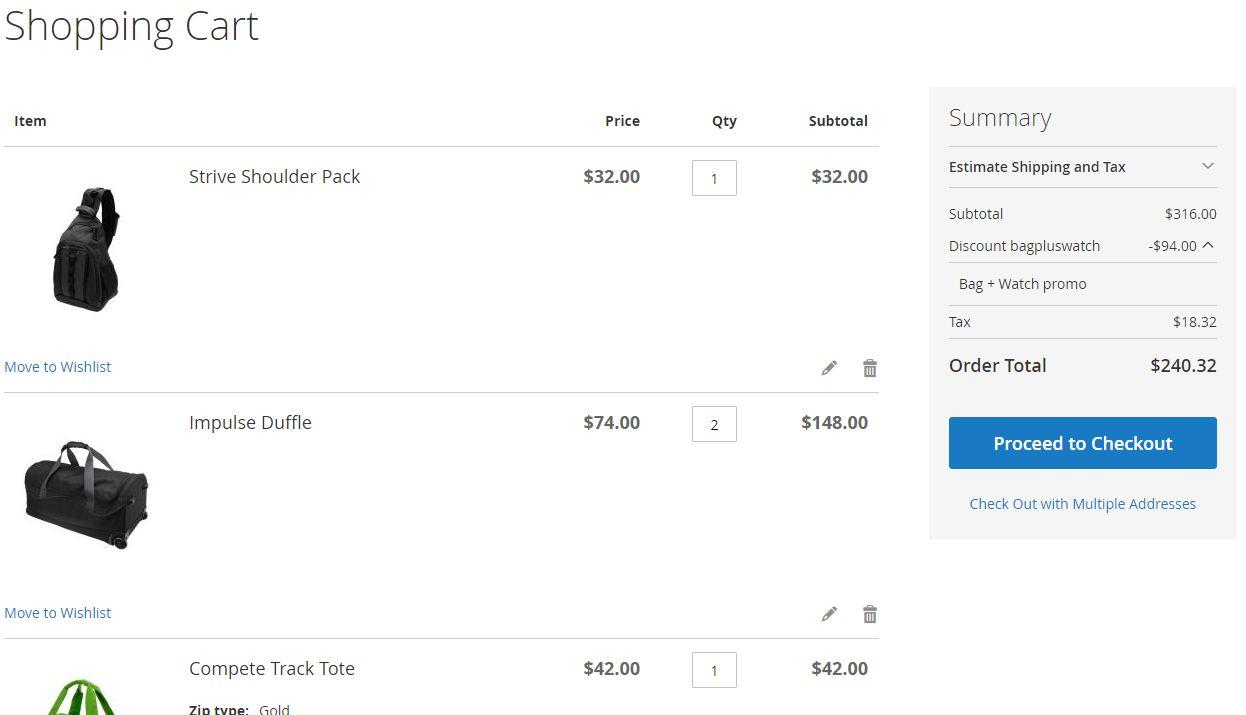
- Rule Labels – this shows only the rule label in the breakdown. (If the label is empty, it will display the coupon code and if there is no coupon code it will display the rule name).
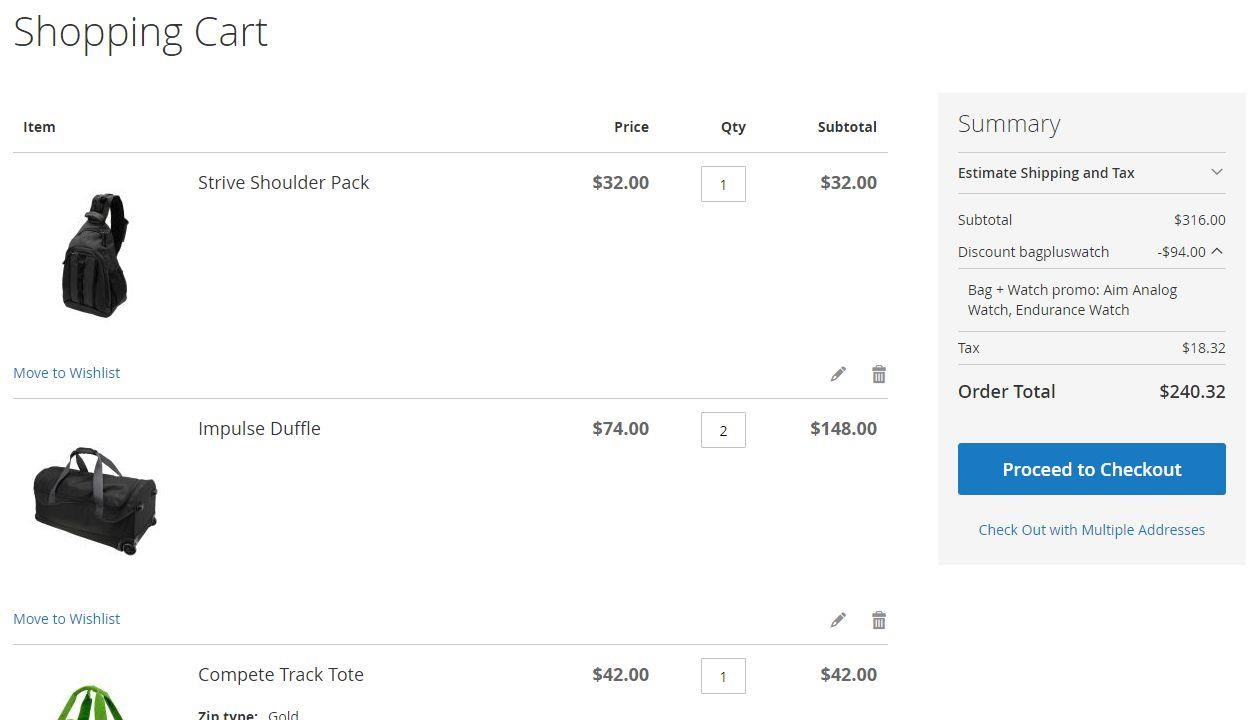
- Rule Labels and Product Names – this will show the rule label and the product names that the rule was applied on.
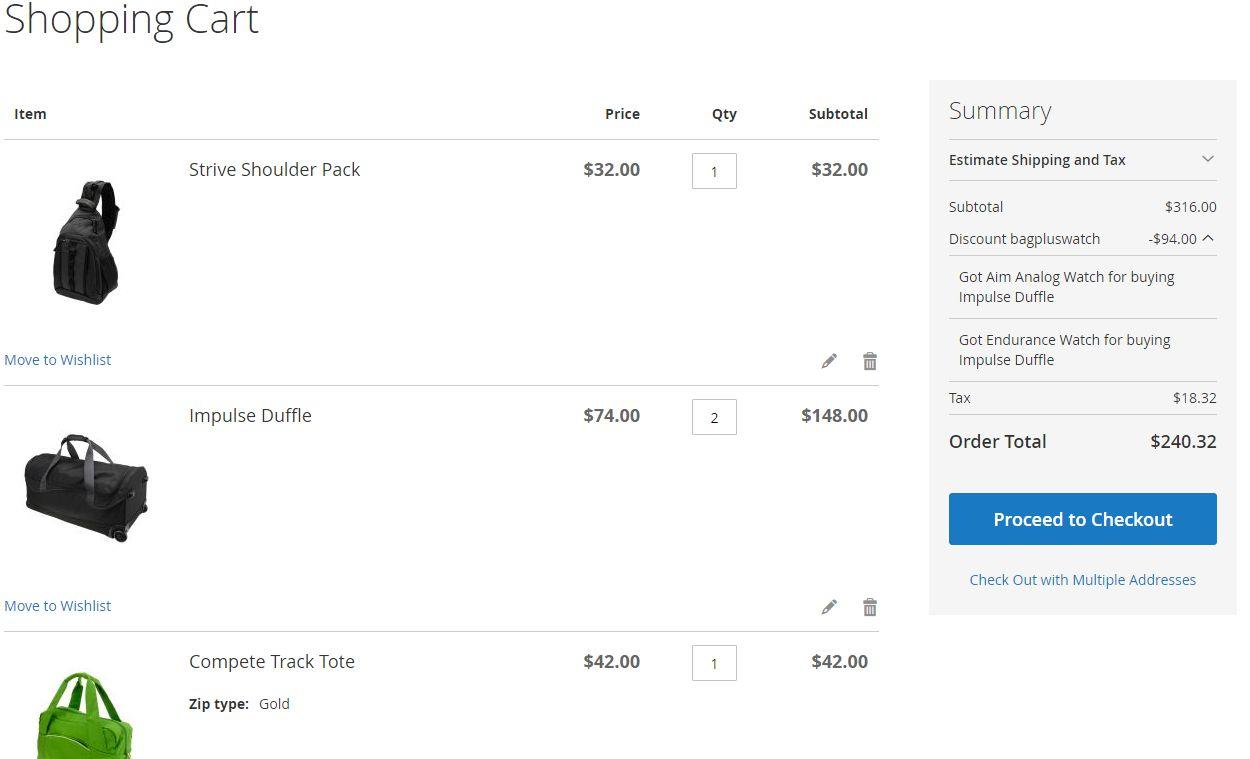
- Comprehensive Description – this will display a comprehensive description of the discount applied. (Eg: “Got Endurance Watch for buying Impulse Duffle”).
Rule Example
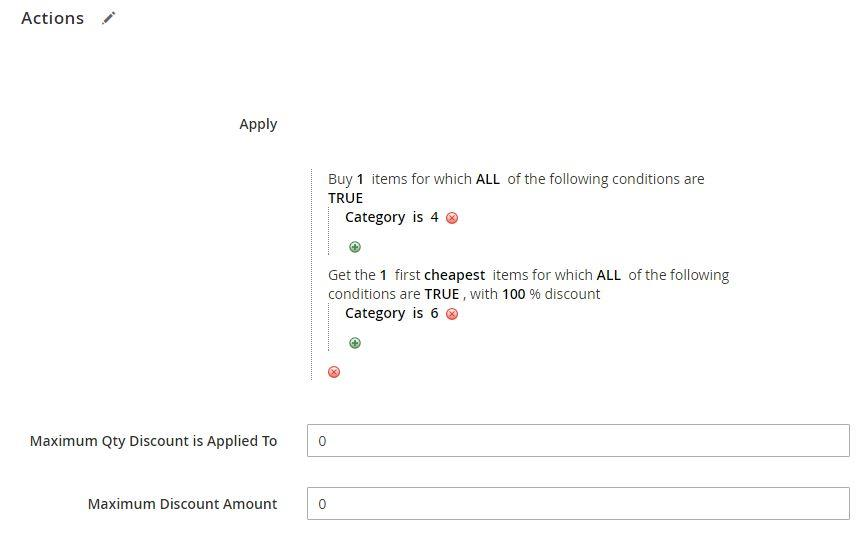
This rule is “Buy 1 bag, get 1 watch for free”. (The rule label is “Bag + Watch promo”, the coupon code is “bagpluswatch”.)
(Note: In our example, bag is any product that belongs to category 4 and watch is any product that belongs to category 6.)
Now let’s see how the discount breakdown looks using different “Discount Breakdown Type” values.
“Discount Breakdown Type” Rule Labels –
“Discount Breakdown Type” Rule Labels and Product Names –
“Discount Breakdown Type” Comprehensive Description –
Skip items that have tier price
The extension allows you to skip items that have a tier price. That is, if the item in the cart has a tiered price applied to it, and this configuration is set to “Yes” – this product will be skipped by the extension (ie: the rule discount won’t get applied to this product).
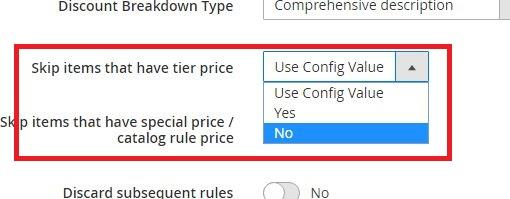
You can choose Yes/No, or “Use Config Value” to inherit the value from Stores --> Configuration (see Stores Configuration).
Skip items that have special price / catalog rule price
The extension allows you to skip items that have a special price or a catalog rule price applied to them.
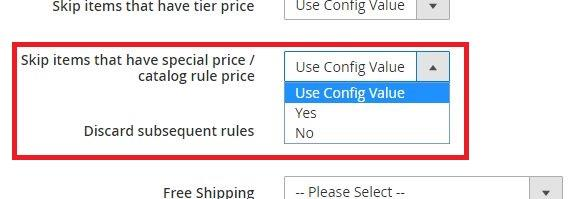
You can choose Yes/No, or “Use Config Value” to inherit the value from Stores --> Configuration (see Stores Configuration).